 Katfile Premium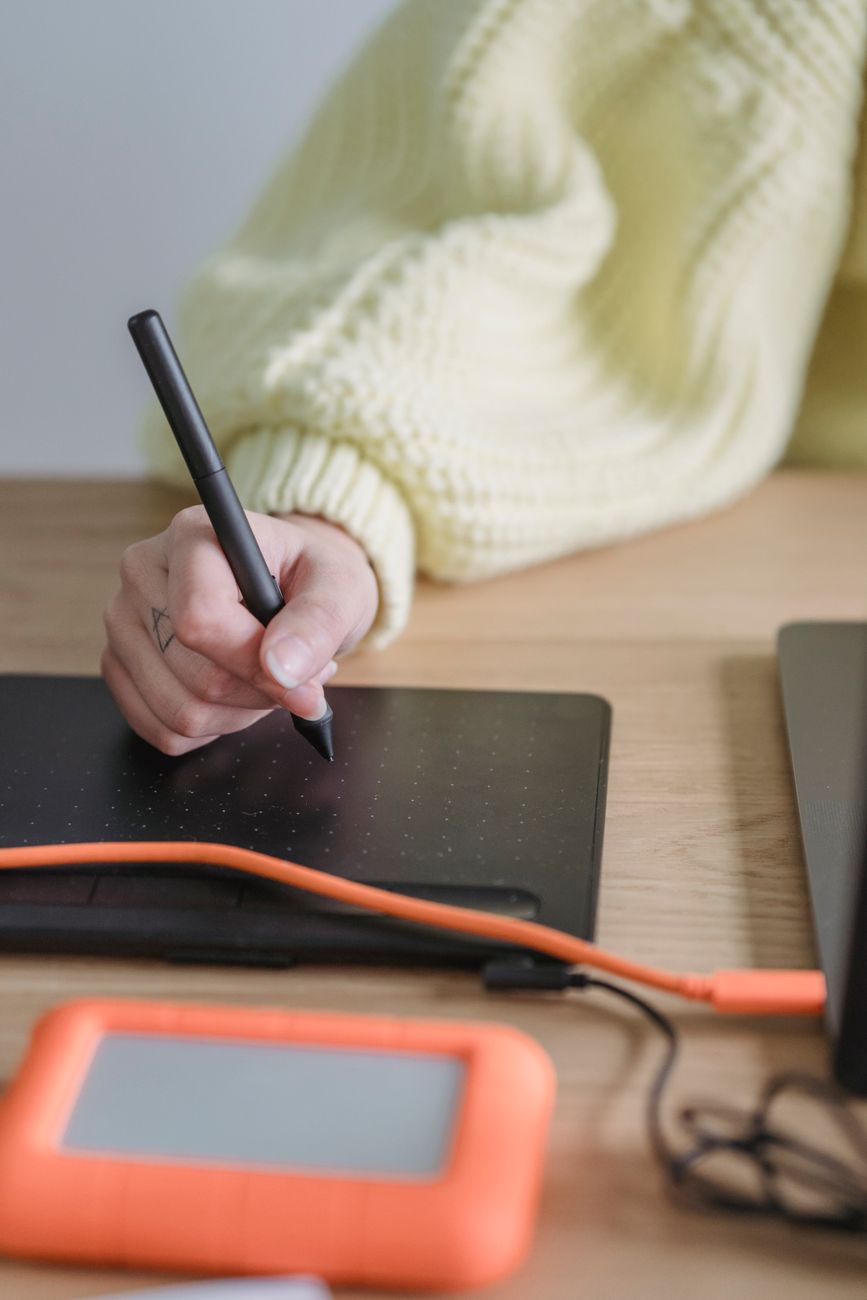
Free Graphic Design Tools: Best Picks for Beginners
Why Free Graphic Design Tools Are a Game Changer for Beginners
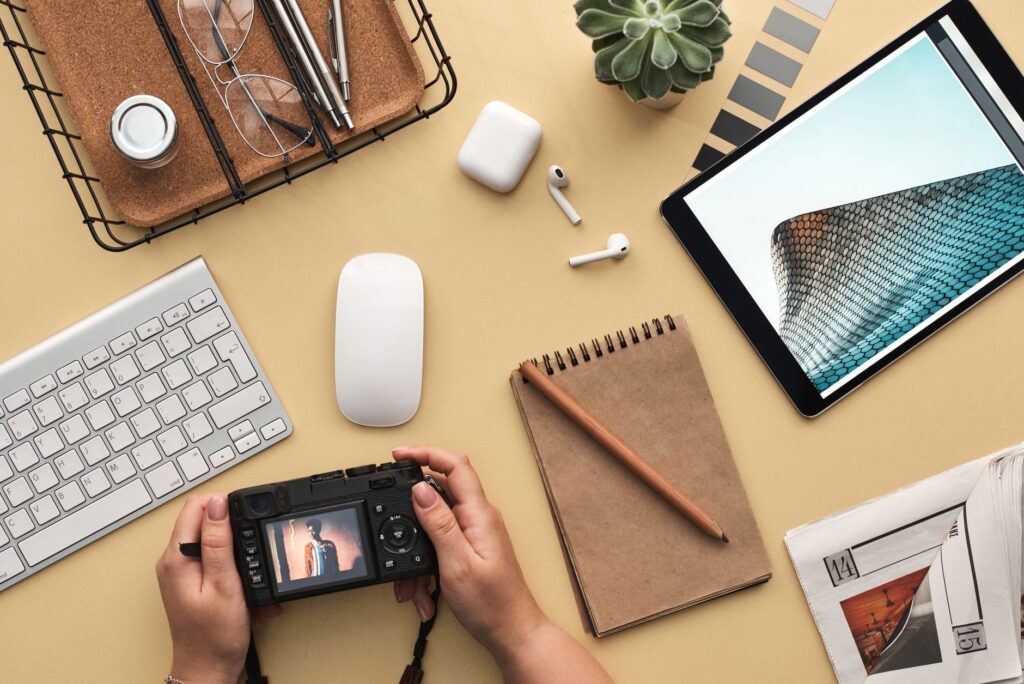
free graphic design tools have revolutionized the way beginners approach visual creation. Gone are the days when you needed expensive software and years of training to produce professional-looking graphics. Today, anyone can dive into design with intuitive, no-cost platforms that offer impressive features. Whether you’re creating social media posts, flyers, or simple logos, these tools provide a fantastic starting point. The best part? You can explore your creativity without any financial commitment, making it easier than ever to learn and experiment.
For those just starting out, the sheer number of options can be overwhelming. But don’t worry—we’ve curated a list of the most beginner-friendly free graphic design tools that balance simplicity with powerful capabilities. These tools are perfect for building your skills and confidence. Plus, if you ever need to store your design files securely, consider using digital storage solutions to keep everything organized.
Top Free Graphic Design Tools for Beginners
Canva: The All-in-One Design Platform
Canva is arguably the most popular free graphic design tool for beginners, and for good reason. Its drag-and-drop interface makes it incredibly easy to create stunning designs from pre-made templates. You can customize everything from fonts to colors, and even collaborate with others in real time. Canva’s free version includes thousands of templates, millions of stock photos, and basic design elements that cover most needs. Whether you’re designing a presentation, a resume, or a social media graphic, Canva has you covered.
GIMP: The Open-Source Powerhouse
If you’re looking for more advanced features without the price tag, GIMP is a fantastic alternative to Photoshop. This open-source software offers professional-grade photo editing, retouching, and image composition tools. While it has a steeper learning curve than Canva, there are plenty of tutorials online to help you get started. GIMP is perfect for beginners who want to dive deeper into design and eventually transition to paid software. Remember to back up your projects regularly to avoid losing your hard work.
Inkscape: Vector Graphics Made Easy
For vector-based designs like logos and illustrations, Inkscape is a top choice. This free tool rivals Adobe Illustrator in functionality, offering robust features for creating scalable graphics. Beginners will appreciate its straightforward interface and extensive community support. Inkscape supports various file formats, making it easy to export your designs for different uses. Whether you’re designing a logo for your small business or creating icons for a website, Inkscape is a reliable companion.
How to Choose the Right Free Graphic Design Tool
Consider Your Design Goals
Before selecting a tool, think about what you want to create. If you’re focusing on social media graphics or quick visuals, Canva is ideal. For detailed photo editing, GIMP is your best bet. If you need vector graphics, Inkscape is the way to go. Each tool excels in different areas, so align your choice with your primary design needs.
Ease of Use vs. Advanced Features
Beginners often prioritize ease of use, but it’s worth considering how much you want to grow. Canva offers a gentle learning curve, while GIMP and Inkscape provide more depth. Start with a tool that feels comfortable, and gradually explore more complex options as your skills improve. The goal is to enjoy the learning process without getting frustrated.
Tips for Getting Started with Free Graphic Design Tools
Explore Templates and Tutorials
Most free graphic design tools come with built-in tutorials and templates. Take advantage of these resources to learn the basics. For example, Canva’s template library lets you see how professional designs are structured, while GIMP’s community forums offer step-by-step Guides. Don’t be afraid to experiment—mistakes are part of the learning journey.
Organize Your Design Files
As you create more designs, file management becomes crucial. Use a system to name and categorize your projects. Consider storing your files in a reliable online storage service to access them from anywhere. This habit will save you time and prevent clutter. For more tips, check out our guide on organizing digital files efficiently.
Now that you know the best free graphic design tools for beginners, it’s time to start creating. Pick one tool, explore its features, and let your creativity flow. Remember, the most important step is to begin. If you ever need a safe place to store your design assets or share them with clients, consider using secure file sharing methods. Happy designing!


