 Katfile Premium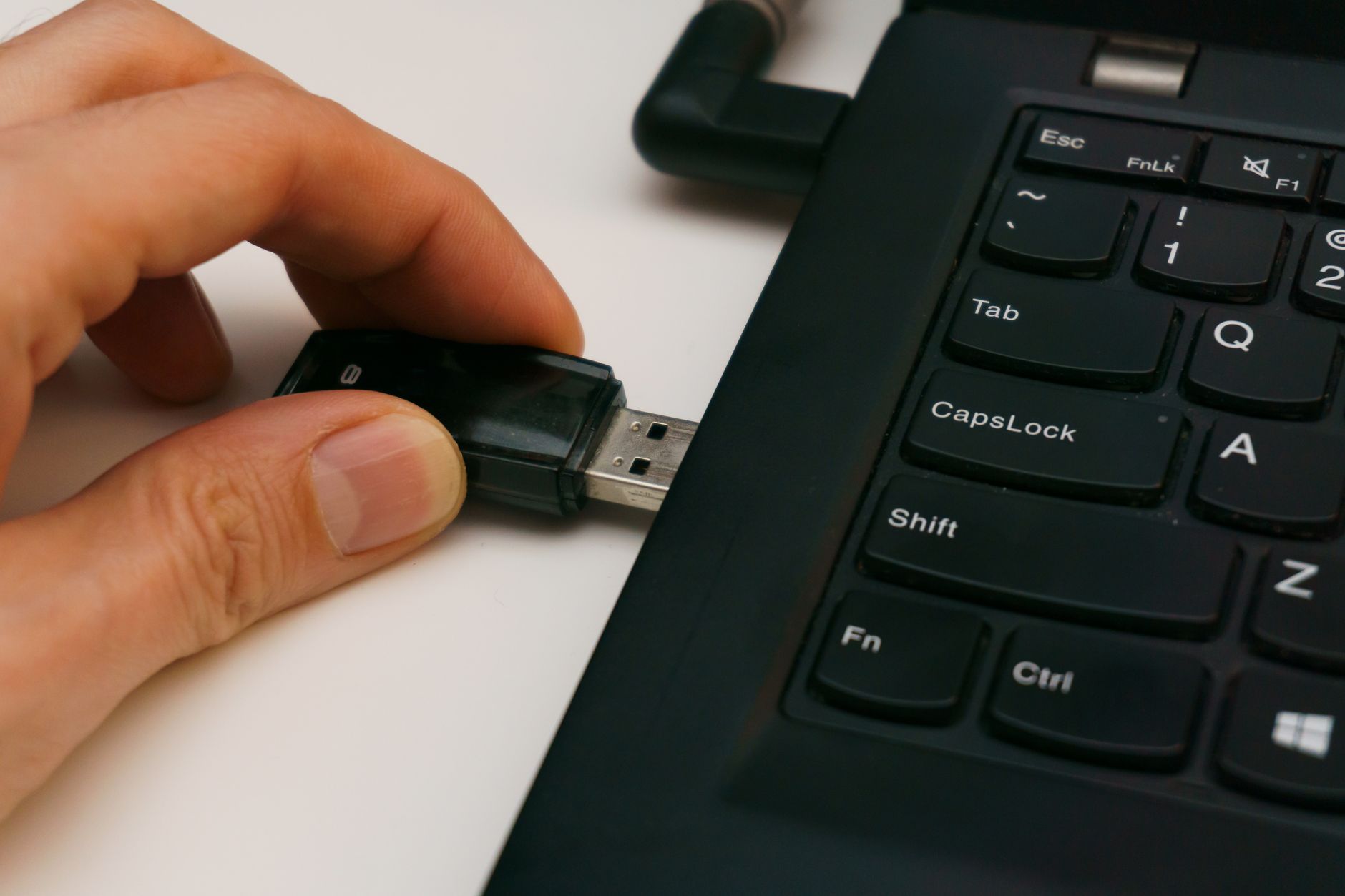
Transfer Files Between Devices Quickly: Proven Methods
Why Quick File Transfer Matters Today

Transfer Files Between Devices quickly is a common need for professionals, students, and anyone managing digital content. Whether you’re moving documents from your phone to laptop or sharing large media files with colleagues, speed and reliability are crucial. Slow transfers can disrupt workflows, cause frustration, and even lead to data loss if interrupted. Fortunately, modern tools and services like Katfile Online Storage make it easier than ever to move files without hassle.
In this guide, we explore proven methods to transfer files between devices quickly using cloud storage, direct connections, and specialized platforms. You’ll learn practical tips to optimize speed, maintain security, and choose the best approach for your needs.
Method 1: Use Cloud Storage for Instant Access
Cloud storage is one of the most popular ways to transfer files between devices quickly. Services like Katfile allow you to upload files from one device and download them on another within seconds. The key advantage is that files are stored in a central location, accessible from any device with an internet connection.
How to Set Up Katfile for Fast Transfers
Creating a Katfile account is straightforward. Once logged in, you can upload files directly from your computer or mobile browser. The upload speed depends on your internet connection, but Katfile’s optimized servers ensure efficient handling. After uploading, simply copy the share link and open it on your other device to download. For frequent transfers, consider using the Katfile mobile app or browser bookmarks for faster access.
If You Need to transfer files between devices quickly without worrying about file size limits, Katfile offers generous storage plans. You can also compare cloud storage vs local storage to understand which suits your workflow better.
Method 2: Direct Wi-Fi or Bluetooth Transfers
For local transfers without internet dependency, direct connections like Wi-Fi Direct or Bluetooth are excellent. These methods allow you to transfer files between devices quickly when both devices are nearby. Wi-Fi Direct is faster than Bluetooth, supporting speeds up to several hundred Mbps. Many modern smartphones and laptops support this feature natively.
Steps for Wi-Fi Direct File Transfer
Enable Wi-Fi Direct on both devices (usually found in Wi-Fi settings). On Android, you can use the built-in file manager or third-party apps. On Windows, use the “Nearby Sharing” feature. Pair the devices, select the files, and initiate transfer. For larger files, this method is more reliable than Bluetooth, which is better for small documents.
Remember to disable sharing after transfer to maintain security. If you handle sensitive data, consider encrypting sensitive files before sending.
Method 3: Use Katfile Link Sharing for Large Files
When you need to transfer files between devices quickly and the files are large (e.g., videos, archives), Katfile’s link sharing feature is ideal. Upload once, generate a download link, and access it from any device. This eliminates the need for physical cables or complicated setups.
Optimizing Upload and Download Speeds
To maximize speed, ensure you have a stable internet connection. Use a wired Ethernet connection for uploads if possible. Katfile also supports resume capabilities, so if a transfer is interrupted, you can continue from where it stopped. For frequent large transfers, a premium account offers faster speeds and no waiting times.
You can also explore secure file sharing methods to protect your data during transfer.
Method 4: USB Cables and External Drives
Sometimes the fastest way to transfer files between devices is through a physical connection. USB 3.0 or USB-C cables offer speeds up to 5 Gbps, making them ideal for moving large amounts of data quickly. External SSDs are also portable and fast.
When to Use Physical Transfer
Physical transfer is best when you have no internet access or need to move terabytes of data. It’s also more secure because the data never leaves your possession. However, it requires both devices to have compatible ports and may require drivers. For occasional use, this method is reliable and straightforward.
After transferring, you might want to organize digital files efficiently to keep your devices clutter-free.
Tips for Faster and Safer File Transfers
No matter which method you choose, follow these tips to transfer files between devices quickly and safely:
- Compress files before transfer to reduce size. Use ZIP or RAR formats.
- Close unnecessary apps to free up bandwidth and processing power.
- Use a wired connection for uploads when possible.
- Enable encryption for sensitive data, especially over public networks.
- Keep devices updated to ensure compatibility and performance.
By combining these methods and best practices, you can achieve seamless file transfers across all your devices. Start using Katfile today to experience the convenience of cloud-based transfers, and enjoy the freedom of accessing your files anywhere.


